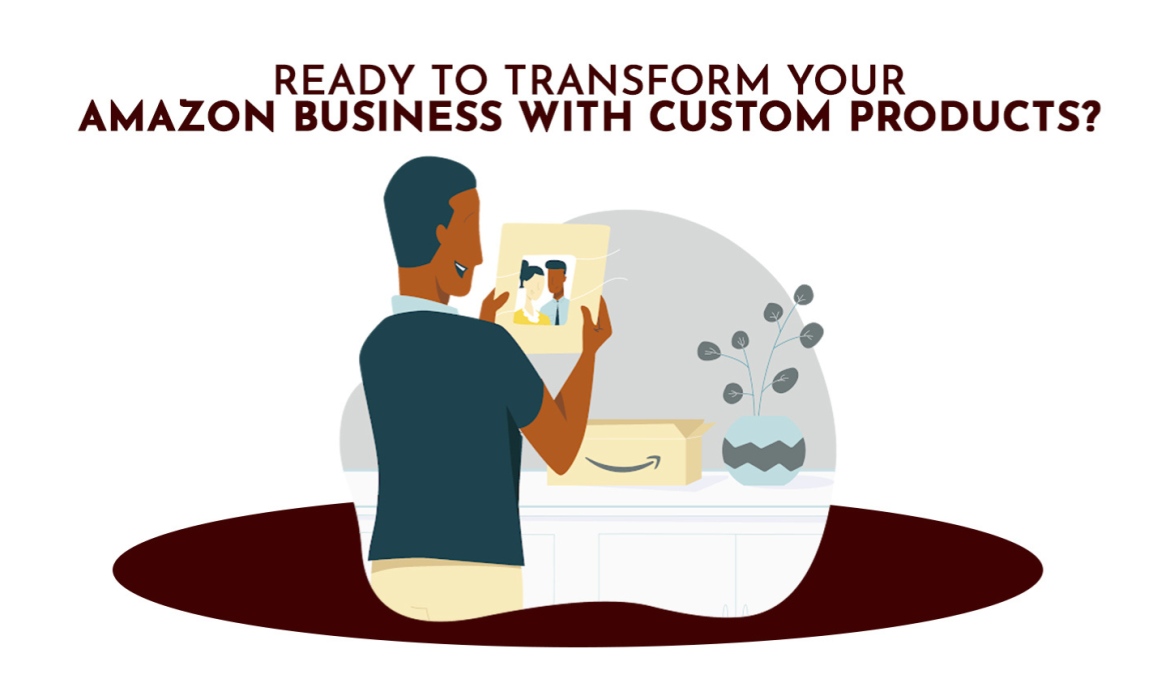
Amazon Custom is a specialized storefront on Amazon that allows Professional Sellers to offer customizable products. Shoppers can personalize these products by adding text, images, logos, or other options provided by the seller. This feature is perfect for businesses looking to offer unique, made-to-order items.
Requirements to Join Amazon Custom
To participate in the Amazon Custom program, you must meet the following criteria:
- Professional Selling Plan: You need to be subscribed to the Professional selling plan.
- Seller-Fulfilled Orders: You, the seller, must fulfill all orders. The program does not support items Fulfillment by Amazon (FBA).
- New Condition Only: All custom products must be listed in new condition. Used items are not permitted. Refer to Amazon’s condition guidelines for more details.
- Compliant Product Images: Your listings must feature product images that comply with Amazon’s image requirements. For additional information, review the Product Image Requirements.
- Exclusive Custom Listings: For customization to be available, you must be the only seller offering the product. If other sellers have the same product on Amazon, you must create a new listing specifically for your customized version.
- Return Policies: You must adhere to Amazon’s return policies for custom products. Review Amazon’s Custom Products Returns Policies for details.
How the Amazon Custom Products Program Works
- Register for Amazon Custom: Professional Sellers can register for Amazon Custom to gain access to customization features. If you have an Individual Seller account, you’ll need to upgrade to a Professional Seller account before registering.
- Enable Customization: Once registered, you can enable customization options for your product listings in Seller Central.
- Configure Your Customization Options: Use the listing tool in Seller Central to set up and configure the customization options for your products.
- Start Selling: After setting up your custom listings, they will be live on Amazon and ready for customers to purchase.
Types of Custom Products You Can Sell on Amazon
Amazon Custom supports a wide variety of product categories. However, certain products are ineligible for customization, including media, personal computers, laptops, computer towers, tablets, and video game consoles.
Customization Options for Amazon Custom Products
With Amazon Custom, you can offer a range of customization options:
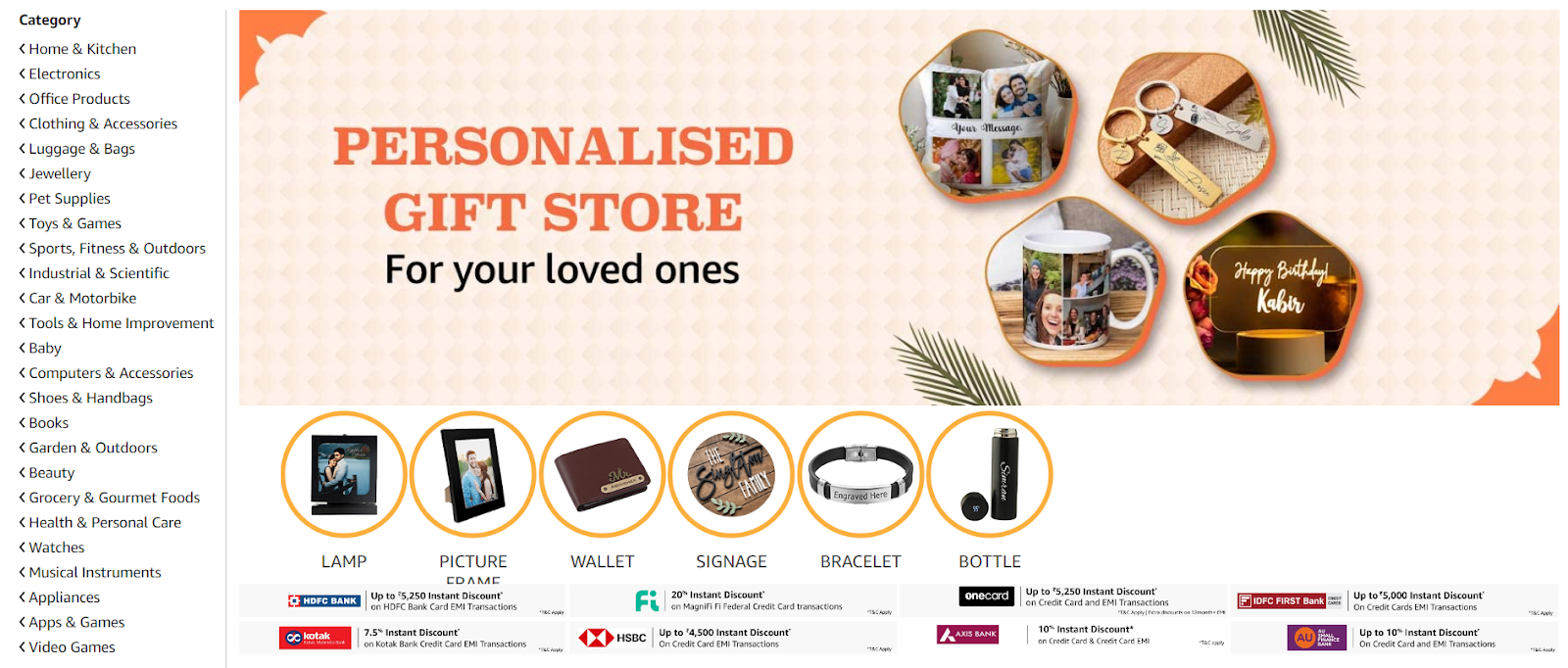
- Text-Based Customization: Allow customers to add their text to products. You can specify the color, font, and placement of the text. This is ideal for engraving, embroidery, printing, or painting. For example:
– Personalize a mug or t-shirt with a name or initials.
– Add a special message, like a birthday greeting or wedding sentiment.
– Customize a product with a company logo or sports team emblem.
- Image-Based Customization: Customers can upload their images to your products and even add text to the image. This option is perfect for custom photo gifts, apparel, or home decor. Examples include:
– A custom t-shirt featuring a customer’s photo.
– A custom banner with a company logo.
– A personalized pillow with a pet’s photo.
- Product Variations Customization: Offer customers the ability to select options like size, color, or material. You can set different prices for each variation. This option enhances the perceived value of your product and gives customers more control. Examples include:
– Offering different sizes, colors, or materials for a product.
– Adding extra features, such as a nameplate or logo.
– Allowing customers to personalize with their text or image.
- Data Input or Notes Customization: Provide text fields for customers to enter information that doesn’t affect the product’s visual preview. This is useful for customizing or collecting notes from the customer. For instance:
– Collecting customer details, such as name, address, or phone number.
– Gathering custom sizing information for garments or jewelry.
– Accepting special instructions or messages from the customer.
How to Create a Listing for Amazon Custom
To start selling custom products on Amazon, follow these steps:
Register for Amazon Custom: Begin by registering for Amazon Custom. Once approved, you’ll receive an email with a link to get started.
1. Create a New Product in Seller Central: Log in to Amazon Seller Central, go to the “Inventory” menu, and select “Add a Product.” Choose “I’m adding a product not sold on Amazon” and classify your product by selecting the appropriate category. Ensure your product is correctly classified to avoid being filtered out in search results.
2. Add Customization Information: In the “Manage Inventory” dashboard, find your custom product, click the dropdown menu, and select “Add/Edit Customization Information.” Complete the details and save your settings.
3. View Your Custom Product on Amazon: After setting up your customization options, view your product’s listing to ensure everything is correct. Test the customization features by clicking “Customize Now” on the listing page.

Setting Up Pricing for Custom Products
When pricing your custom products, consider the following factors:
- Cost of Production: Include the costs of materials, labor, and additional resources needed for customization.
- Value of Customization: Reflect the added value of personalization in your pricing.
- Market Rate: Research similar custom products on Amazon to stay competitive.
- Brand Positioning: Align your pricing with your brand’s market position, whether premium or budget-friendly.
- Profit Margin: Ensure your pricing allows for a reasonable profit after accounting for Amazon’s referral fees and other costs.
- Price Elasticity: Understand how price-sensitive your customers are.
- Customer Willingness to Pay: Estimate what your target customers are willing to pay for the customization options.
Communicating with Customers
Effective communication with customers is crucial for managing custom orders:
- Initial Confirmation: Send a confirmation message with order details and an estimated completion date.
- Clarification: If needed, contact the customer to clarify any custom requests.
- Updates: Keep customers informed about the progress of their orders, especially if there are delays.
- Shipping Notification: Provide tracking information once the order ships.
- Follow-Up: After delivery, follow up to ensure customer satisfaction and address any concerns.
Handling Returns and Refunds
Handling returns for custom products can be challenging due to their personalized nature:
- Review Amazon’s Policy: Customized items are typically not eligible for returns unless they are faulty or damaged.
- Communicate with the Customer: If a return request is made, discuss the issue with the customer to understand their concerns.
- Assess the Product: Upon receiving the returned item, assess it for defects.
- Issue Refunds or Replacements: If a manufacturing error is confirmed, process a refund or replacement promptly.
- Learn from the Experience: Use feedback from returns to improve your products and services.
In Conclusion
Selling custom products on Amazon is a powerful way to differentiate your brand and offer customers unique, personalized experiences. By following the steps outlined in this guide, you can effectively navigate Amazon Custom, optimize your listings, and communicate clearly with your customers to ensure satisfaction. At U-Commerce, we help sellers maximize their Amazon presence. Whether you’re just starting with Amazon Custom or looking to refine your strategy, our expert services can help you boost visibility, enhance your listings, and drive sales. Let us partner with you to turn your custom product offerings into a thriving business on Amazon.