
Introduction To Amazon Alexa Voice Shopping
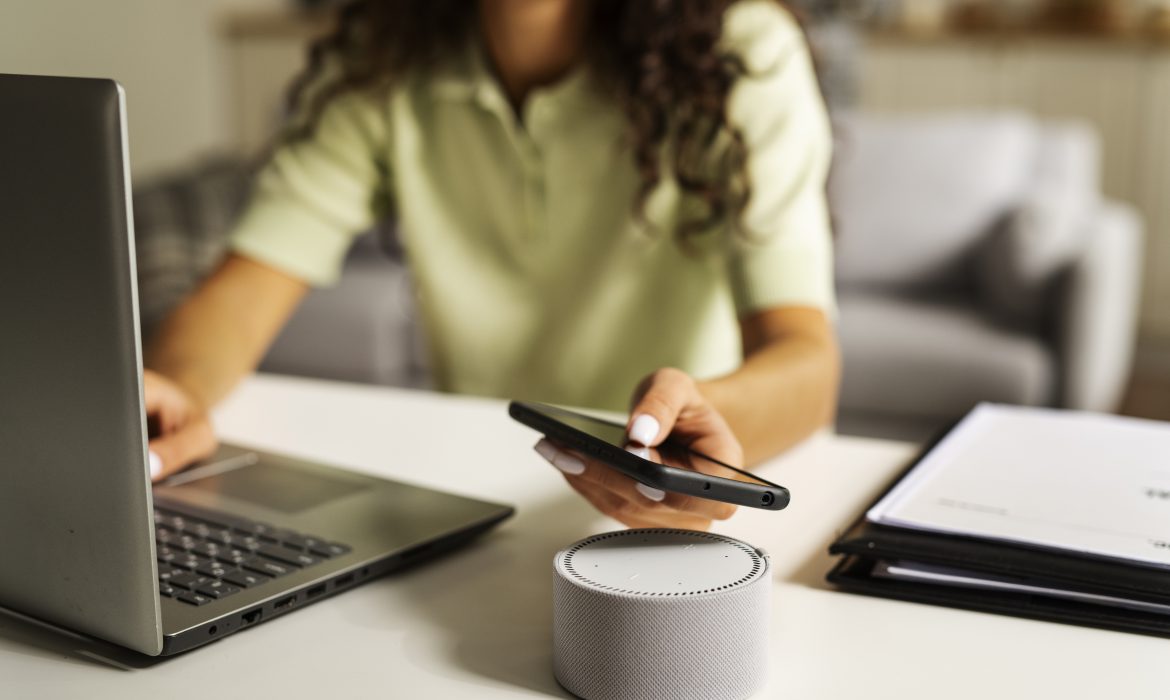
In today’s fast-paced world, convenience and efficiency are key drivers in how we shop. Amazon Alexa Voice Shopping is a groundbreaking feature that allows users to make purchases effortlessly using voice commands. With just a few spoken words, Alexa, Amazon’s intelligent virtual assistant, can search for products, add them to your cart, and even complete purchases on your behalf. This service is revolutionizing the way we shop, making the process faster and more seamless experience than ever before.
What Is Amazon Alexa Voice Shopping?
Amazon Alexa Voice Shopping is a service that enables customers to shop directly from Amazon using voice commands via Alexa-enabled devices such as the Amazon Echo. Acting as a virtual shopping assistant, Alexa makes the purchasing process easier by eliminating the need to search for products on the Amazon website or app manually. With Alexa, you can browse products, add them to your shopping cart, and even finalize your purchases without lifting a finger.
Where Can You Use Amazon Alexa Voice Shopping?
The Alexa Voice Shopping feature is accessible across multiple devices, providing flexibility and convenience to users:
Amazon Echo: The primary device for Alexa Voice Shopping, available in various models including Echo, Echo Dot, Echo Show, and Echo Spot. Each model allows users to shop with ease using voice commands.
Amazon Tap: A portable and hands-free Alexa device that supports voice shopping, offering flexibility for on-the-go purchases.
Amazon Fire TV: This device integrates Alexa Voice Shopping, allowing you to make purchases directly while enjoying your favorite shows.
Amazon Fire Tablets: These tablets are equipped with voice shopping capabilities, making it easy to order products while you’re on the move.
Amazon App: The Alexa Voice Shopping feature is also integrated into the Amazon app, available on both Android and iOS devices, providing a convenient way to shop from your smartphone.
To utilize Alexa Voice Shopping, an Amazon Prime membership and 1-Click ordering must be enabled. Non-Prime members can still access this feature through the Amazon app but will need to manually complete their orders after adding items to their cart.

How To Set Up And Secure Alexa Voice Purchasing?
1. How to Turn On Alexa Voice Purchasing
Before you can start shopping with Alexa, you need to take a few essential steps. First, you must be an Amazon Prime member, which costs $119 per year. While this membership is necessary for voice shopping, it also comes with a host of other benefits.
To enable Voice Purchasing, open your Alexa app and follow these steps:
– Go to Menu > Settings > Account Settings > Voice Purchasing.
– Toggle on Voice Purchasing.
Afterward, you’ll need to set up a payment method by visiting the 1-Click Preferences section on the Amazon website.
To purchase an item, simply say, “Alexa, add [item name] to my shopping cart.” Alexa will locate the product and add it to your cart. Once you’ve finished shopping, say, “Alexa, order items in my shopping cart,” and then confirm your order.
2. Prevent Unwanted Alexa Voice Purchases
Unintended purchases have been reported, with even pets and children making unauthorized orders. To prevent this, you can use Alexa’s security features, such as a voice code and voice ID.
One of the most effective ways to control purchases is by setting up a four-digit voice code required to authorize transactions. Here’s how:
– Open the Alexa app and go to More > Settings > Account Settings > Voice Purchasing > Purchase Confirmation > Manage.
– Toggle on Voice Code, enter a four-digit code and tap Go.
Be sure to remember the code, as you’ll need it to confirm future orders.
For added security, consider setting up Alexa Voice ID, which restricts purchases to recognized household members only. To do this:
– Open the Alexa app and navigate to More > Settings > Account Settings > Voice Purchasing > Purchase Confirmation > Manage > Voice ID.
– From there, you can enable or disable saved profiles or create new ones.
Key Features Of Amazon Alexa Voice Shopping
Amazon Alexa Voice Shopping offers several features that enhance the shopping experience by making it more convenient, personalized, and efficient. Below are some of the key features:
- Voice Commands for Shopping
Voice commands allow you to shop hands-free by interacting with Amazon Alexa through simple spoken instructions. This feature makes the shopping process incredibly convenient, enabling you to add items to your cart, search for products, and place orders without needing to type or visit a website or app.
For instance, you can say, “Alexa, order a pack of AA batteries,” and Alexa will find the product, confirm the details, and complete the purchase. This feature is especially beneficial for individuals who are multitasking or have limited mobility, simplifying the shopping experience to just a few spoken words.
- Personalized Recommendations
Amazon Alexa enhances your shopping experience by offering personalized recommendations based on your past purchases, browsing history, and preferences. This feature helps you discover relevant products without the need to spend time searching.
For example, if you often purchase snacks, Alexa may suggest new brands or products that align with your tastes. Personalized recommendations make the shopping process more intuitive and tailored, leading to higher customer satisfaction and a greater likelihood of finding products that meet your needs.
- Order Tracking and Management
Alexa’s order tracking and management feature provides real-time updates on your purchases, allowing you to easily stay informed about order status and delivery times. You can ask questions like “Alexa, where’s my package?” or “Alexa, what are my recent orders?” to get detailed information about your shipments.
This feature eliminates the need to manually check emails or the Amazon app for updates, offering a convenient way to monitor and manage your orders through simple voice queries. It enhances the shopping experience by keeping you informed and reducing any uncertainty about your deliveries.
- Reordering Favorites
Reordering your favorite items is made simple with Alexa. You can quickly repurchase products you frequently buy by using a voice command.
For example, by saying, “Alexa, reorder tissues,” Alexa will identify the specific brand and size you previously purchased and add it to your cart. This functionality saves you time and effort, as you won’t need to search for the item each time you need it. It’s particularly useful for household essentials and frequently used products, ensuring you can easily maintain your supply of these items.
- Deals and Discounts
Alexa keeps you informed about special deals and discounts available on Amazon, helping you make cost-effective purchasing decisions. You can ask, “Alexa, what are today’s deals?” to learn about the latest promotions on products that might interest you.
This feature ensures that you don’t miss out on savings opportunities and allows you to take advantage of limited-time offers. By delivering information on deals through voice commands, Alexa makes it easier to stay updated on discounts without actively searching for them, enhancing the overall value and convenience of shopping with Alexa.
- Cancel Unwanted Purchases
Mistakes happen, and sometimes you may need to cancel an order placed through Alexa. If you used Amazon’s 1-Click purchasing, you have a 30-minute window to cancel before the order is finalized.
To cancel:
– Log in to your Amazon account on your phone or computer.
– Select “Your Orders.”
– Find the relevant order and choose “Cancel Items.”
– Check the box next to each item you want to cancel, then select “Cancel checked items.”
- Get Gift Ideas with Alexa
Alexa can be a great help when you’re searching for gift ideas, especially during the holiday season. Ask Alexa for suggestions, and she can add items to a list for you to purchase later. If you’re still unsure, you can also order gift cards using Alexa.
- Track Your Packages with Alexa
Once you’ve placed an order, you can use Alexa to track your packages. Just ask, “Alexa, where is my package?” and she’ll provide details on when the items were purchased and their expected delivery date.
To get automatic shipping updates, go to the Alexa app
Select Settings > Notifications > Shipping notifications. Toggle on the notifications you want, and Alexa will keep you informed when there’s new information.
Wrapping Up
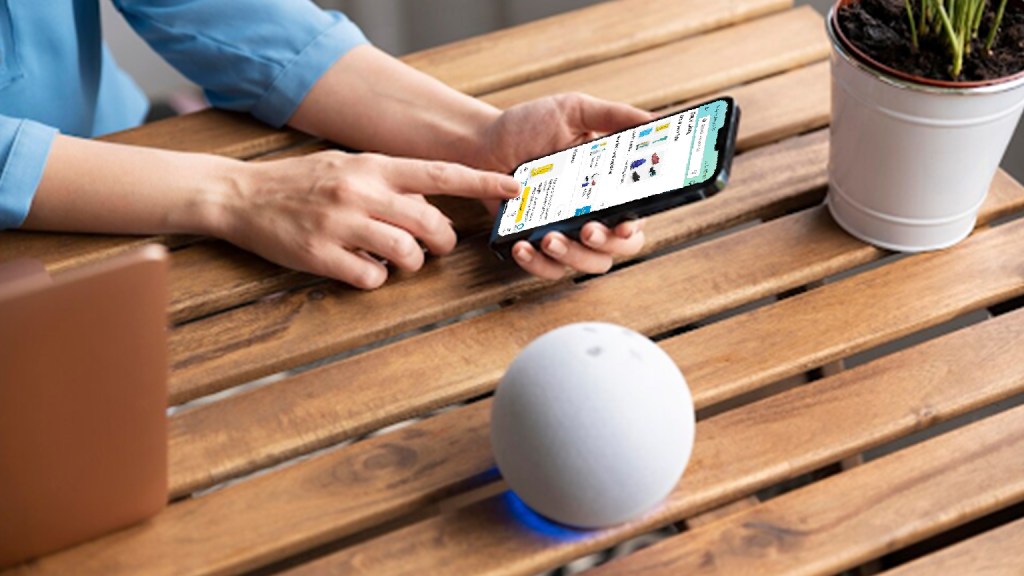
Incorporating Amazon Alexa Voice Shopping into your e-commerce strategy can significantly enhance the customer experience by providing a seamless, hands-free shopping option. By doing Amazon listing optimization for voice search and leveraging Alexa’s personalized recommendations and security features, you can increase customer engagement and drive sales. At U-COMMERCE, we help you take full advantage of these innovative tools, ensuring that your Amazon store is not only voice-shopping friendly but also primed for success in the evolving e-commerce landscape. Partner with us to stay ahead of the competition and deliver an exceptional shopping experience to your customers.