

Leveraging Amazon Brand Story to Enhance Your Product Listings
With millions of products and countless sellers on Amazon, standing out in such a crowded marketplace can be quite challenging, especially when many sellers offer similar products. However, Amazon provides a powerful marketing tool called the Amazon Brand Story, which can help sellers create engaging and informative content on their product detail pages. The Amazon Brand Story feature allows sellers to share their brand’s unique narrative through a combination of text and images. This content appears directly above the A+ Content on the product detail pages of eligible sellers, providing an opportunity to connect with potential customers on a deeper level.
Eligibility for the Amazon Brand Story
This feature is available to:
– Sellers registered in the Amazon Brand Registry
– Participants in Amazon Vendor Central
– Sellers enrolled in various Amazon selling programs
The Impact of an Amazon Brand Story
Utilizing the Amazon Brand Story can significantly enhance your product listings by showcasing your brand’s values, mission, and uniqueness. This personal touch can help differentiate your brand from competitors, fostering trust and loyalty among customers.
Read on, to discover how to craft an effective Amazon Brand Story that can elevate your brand presence on Amazon.
Understanding Amazon’s Brand Story
Amazon’s Brand Story feature is a powerful tool designed to help you convey your brand’s narrative on your Amazon product detail pages. It allows you to share your brand values, history, and important product features through a combination of text and images. Positioned directly above the A+ Content, this feature is an excellent way to engage customers and build trust.
What is the Amazon Brand Story?
The Amazon Brand Story consists of text and images that tell your brand’s story. It is used to highlight your brand’s history, values, and key product features, helping to establish an emotional connection with customers.
Why Add or Update Your Amazon Brand Story?
- Opportunities for Cross-Selling and Upselling: Highlight related products to encourage additional purchases.
- Reduces Bounce Rate and Returns: Engaging content can keep customers on your page longer and provide better product understanding, reducing returns.
- Builds Trust and Connection: Sharing your story helps humanize your brand, fostering customer loyalty.
- Search Engine Optimization (SEO): Well-crafted content can improve your search rankings on Amazon.
- Drives Positive Review: A compelling brand story can influence customer satisfaction and reviews.
- Highlights Unique Selling Points: Showcase what makes your brand different from competitors.
- Creates Brand Awareness: A strong narrative can increase recognition and recall.
- Distinguishes from Competitors: Stand out in a crowded marketplace with a unique story.
How to Create an Amazon Brand Story
Identify Your Brand Identity:
- Define your brand’s mission and values.
- Articulate the story behind your brand’s inception.
- List emotions and adjectives that describe your brand.
- Determine colors, images, and design elements that represent your brand.
Use This Information Across Platforms: Leverage your brand identity to create cohesive content for your website, social media, marketing materials, packaging, and more.
Step-by-Step Guide to Creating Your Brand Story
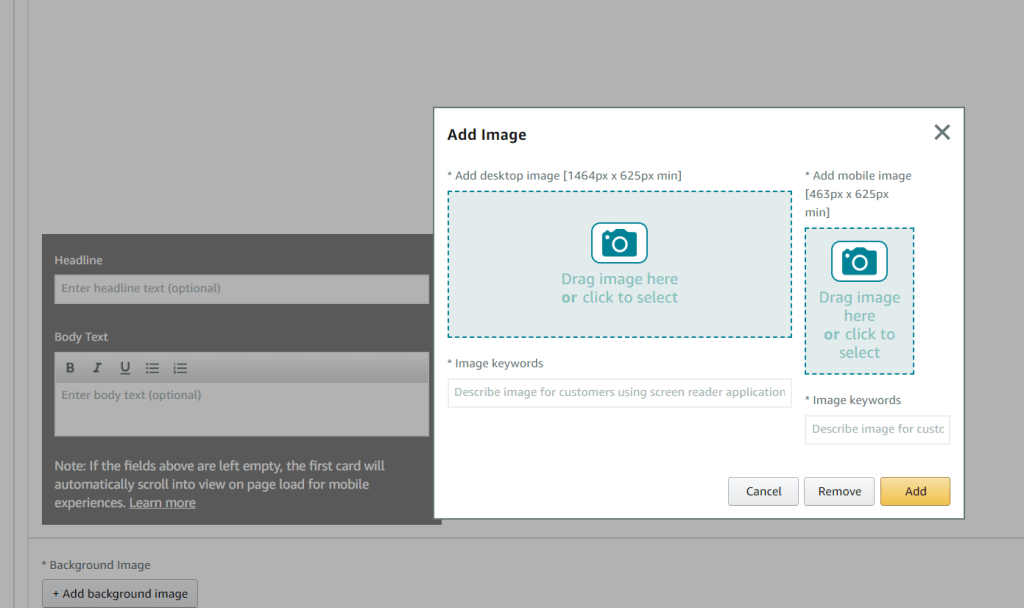
Step 1: Add a Background Image
- The first module in your brand story is the Brand Carousel Background, which includes two images: one for desktop (1646 x 625 px) and one for mobile (463 x 625 px).
- You can add text and a header, but letting the background image be the focus is often effective.
- Ensure the background images remain static, allowing customers to scroll through the additional modules you add.
- Follow Amazon’s specifications and image size requirements for the best results.
By following these steps and utilizing Amazon’s Brand Story feature, you can create a compelling narrative that enhances your brand’s presence on Amazon.
Step2: Brand ASIN & Store Showcase
- Showcase Up to Four ASINs: This module allows you to feature up to four products (ASINs).
- Image Requirements: Each ASIN should be accompanied by a supporting image of 166 x 182 px.
- Optimize with Keywords: Include relevant image keywords to enhance content optimization across platforms.

Step3: Brand Focus Image
- Background Image: Add a background image with a dimension of 362 x 453 px.
- Image Selection: Use a lifestyle image or an infographic that aligns with your brand.
- Optional Header and Text: You can add a header and text box, infographic and lifestyle images are also an option.

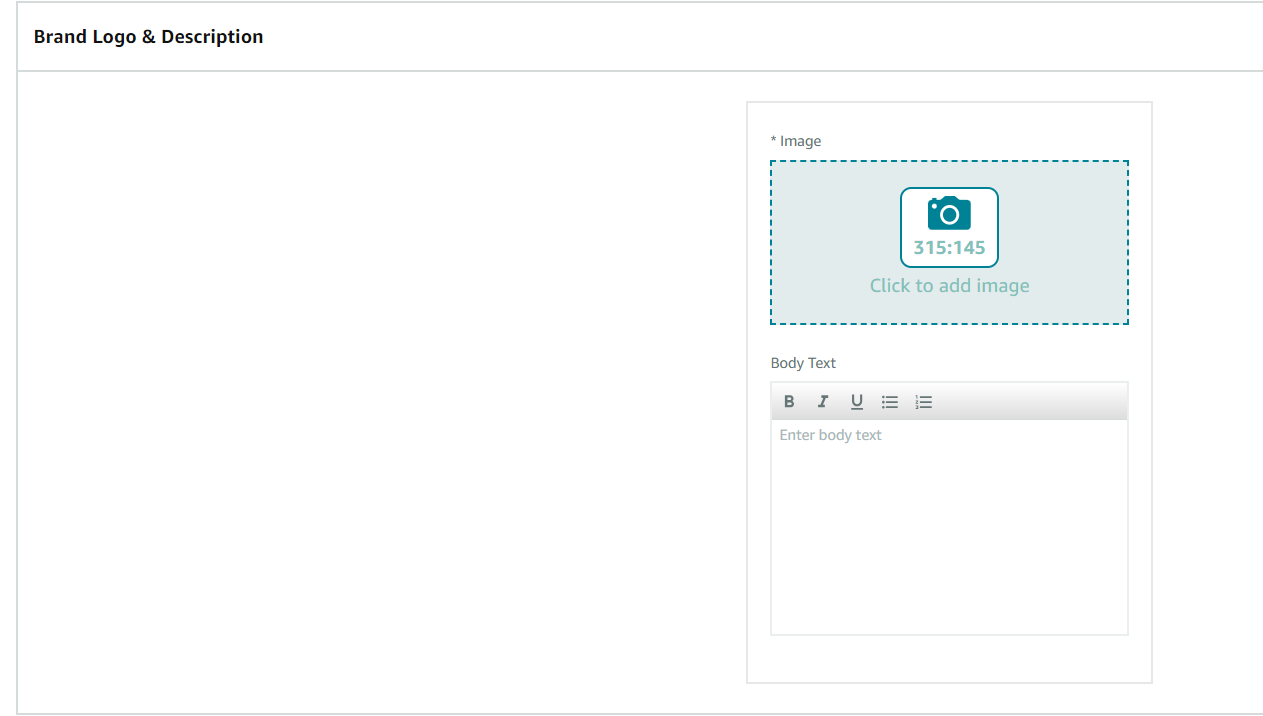
Step4: Brand Logo and Description
- Logo Image: Add an image sized at 315 x 145 px.
- Optional Text: This is an ideal place to display your brand’s logo and provide information about your brand’s history, such as its founding story or details about the founders.
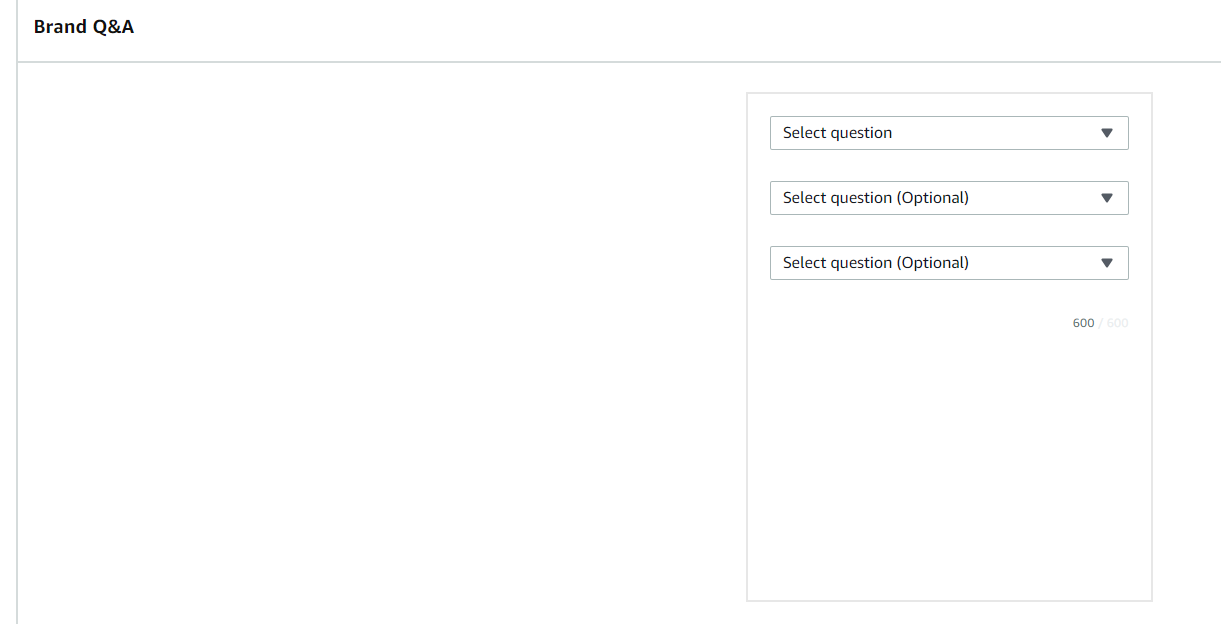
Step5: Brand Q&A
Pre-Populated Questions: Choose from questions like:
- How did we get our start?
- What makes our products unique?
- Why do we love what we do?
- What problem are we solving?
Custom Questions: You can also create your own questions based on what your customers frequently ask.
Key Amazon Brand Story Features
Advantages of Using the Amazon Brand Story Feature
- Customizable Continuous Scrolling Carousel: Create a seamless user experience with a continuous scrolling format featuring customizable modules.
- Highlight Your Brand Mission and Origin Story: Share your brand’s mission and origin story to connect more deeply with customers.
- Visual Appeal with Background Images: Add relevant background images to enhance the visual impact of your brand story.
- Showcase Popular Products: Feature your top ASINs and related products to encourage upselling and cross-selling.
- FAQ Modules for Customer Queries: Address common customer questions with FAQ modules, providing valuable information and reducing buyer hesitation.
- Stand Out from Competitors: Highlight what makes your brand unique to build a strong reputation and differentiate yourself from competitors.
- Improve Product Page Aesthetics: Enhance the overall appearance of your product pages, making them more attractive to potential customers.
- Increase Customer Engagement: Engage customers with compelling stories and visuals, encouraging them to spend more time on your pages.
- Build Brand Awareness and Credibility: Establish and enhance your brand’s awareness and credibility through consistent and impactful storytelling.
By leveraging these features, you can effectively use the Amazon Brand Story to create a compelling narrative that boosts customer engagement and strengthens your brand presence.
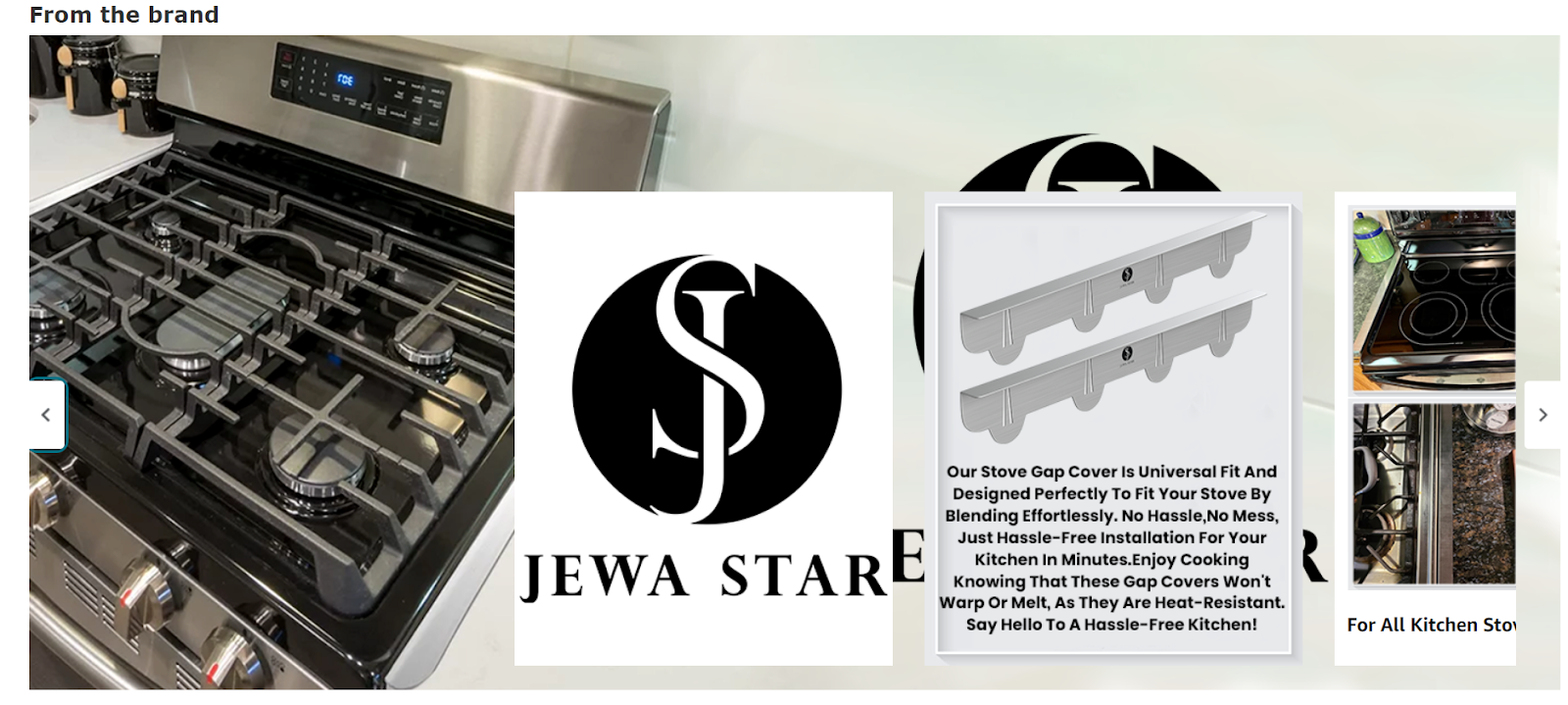
A few of the many examples are-
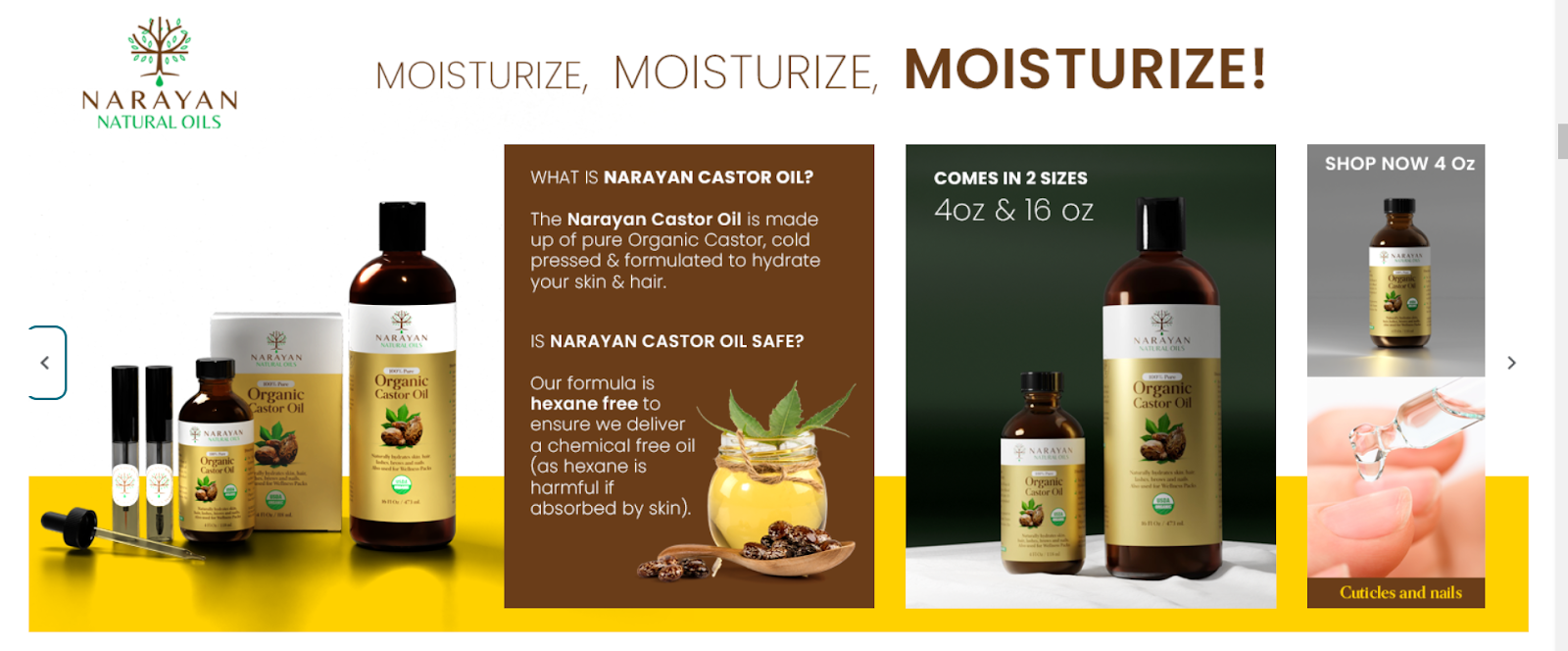
How Should You Make Your Brand Story Stand Out?
Creating compelling brand stories with high-quality images, text, and products can be challenging. Our Amazon Brand Story design experts are here to help you stand out from the competition and achieve remarkable results. U-commerce will handle the complexities for you, allowing you to present an engaging brand story effortlessly. With our assistance, you can deliver a captivating brand narrative in just a few simple steps.