

Amazon Premium A+ Content elevates your basic product descriptions, offering customers a premium shopping experience. This advanced feature enables brands to create visually compelling and engaging product pages, which can captivate customers and boost conversions.
In this guide, we’ll delve into the details of Amazon Premium A+ Content, showing you how it can drive traffic, enhance conversions, increase sales, and provide valuable insights for making informed decisions about this sophisticated content management tool.
What is Amazon Premium A+ Content?
Amazon Premium A+ Content, also known as Amazon A+ Content, is an advanced tool that surpasses standard A+ Content. It allows brands to highlight their product’s key features and benefits using a modern and visually appealing structure. In August 2022, Amazon announced that Premium A+ would be available on Seller Central for free during a promotional period.
Previously, Premium Amazon A plus content was exclusive to brands using Vendor Central and could cost between $250K and $500K per product. Premium A+ content relies heavily on imagery and video, with stringent character limits for product descriptions. According to Amazon, using Premium A+ content can boost sales by up to 20%.
Premium A+ expands the usable space on the product page, utilizing the full width of the screen for a sleek and modern appearance. Key features of Premium A+ include:
- Video integration
- Full-width imagery
- Increased space for content
- Clickable Q&A sections
- Interactive comparison charts
- Carousel modules
- Mobile-friendly and voice-friendly product pages
- Customer testimonials
Pros and Cons of Amazon A+ vs. Premium A+ Content
While both Amazon A+ Content and Premium A+ Content aim to enhance product listings and improve the customer experience, there are key differences between the two. Here’s a breakdown of the pros and cons for each:
Basic Amazon A+ Content
Pros:
- Free and unlimited use for all vendors.
- An effective tool for enhancing customer experience and improving product listings.
Cons:
- Offers fewer features compared to Premium A+.
- Less visually appealing than Premium A+.
Premium A+ Content
Pros:
- Provides 16 additional media-rich modules that create a significant impact.
- Offers two more module slots compared to Basic Amazon A+.
- Allows for more opportunities to create highly engaging content.
- It can increase sales by up to 20%, according to Amazon.
Cons:
- Positioned as a more exclusive tool, with eligibility requirements based on previous content performance.
- Stricter character limits compared to Basic Amazon A+.
Eligibility for Amazon’s Premium A Plus Content
To publish and sell A+ Content in each country, you must meet specific eligibility criteria, which vary by region. To determine your eligibility, consider the following guidelines:
- A+ Brand Story Requirement:
Ensure that you have published an A+ Brand Story for all the ASINs in your catalog that you own. Check this by accessing the A+ Content Manager and searching for created and published projects. The A+ Brand Story should appear under the “From the Brand” section on the detail page.
- Project Submission Requirement:
Within the past 12 months, you must have at least 15 A+ content projects approved. Verify this by accessing the A+ Content Manager and reviewing the status and last modified date of your submitted projects. This requirement ensures compliance with Amazon’s guidelines.
It’s important to note that these criteria may differ across countries where A+ Content is sold and published. Therefore, eligibility in one country does not guarantee eligibility in another.
New Modules Available in Amazon A+ Content
Premium A+ Content introduces upgraded modules that significantly enhance the visual presentation of your brand and product information. These modules improve upon existing A+ features and introduce exclusive elements such as video image carousels and videos with text.
In addition to the standard A+ modules like simple comparison charts, single image & sidebar, and three images & text, Premium A+ includes several new modules to enhance content:
- Interactive Hover Hotspot Modules
- Multiple Video Modules
- Enhanced Comparison Charts
- Larger Images on the Detail Page
- Carousel Modules
- Premium Q&A Module
These expanded module options within Premium A+ Content provide numerous opportunities to make your product pages stand out and deliver a compelling shopping experience to potential customers. The addition of carousel modules allows for efficient utilization of space while offering a wealth of information without overwhelming shoppers.
How to Create Premium Best A+ Content on Amazon
Here’s a step-by-step guide to help you through the process:
Step 1: Access Seller Central
- Log in to your Seller Central account.
- Navigate to the Advertising tab.
- Choose A+ Content Manager from the menu on the side.
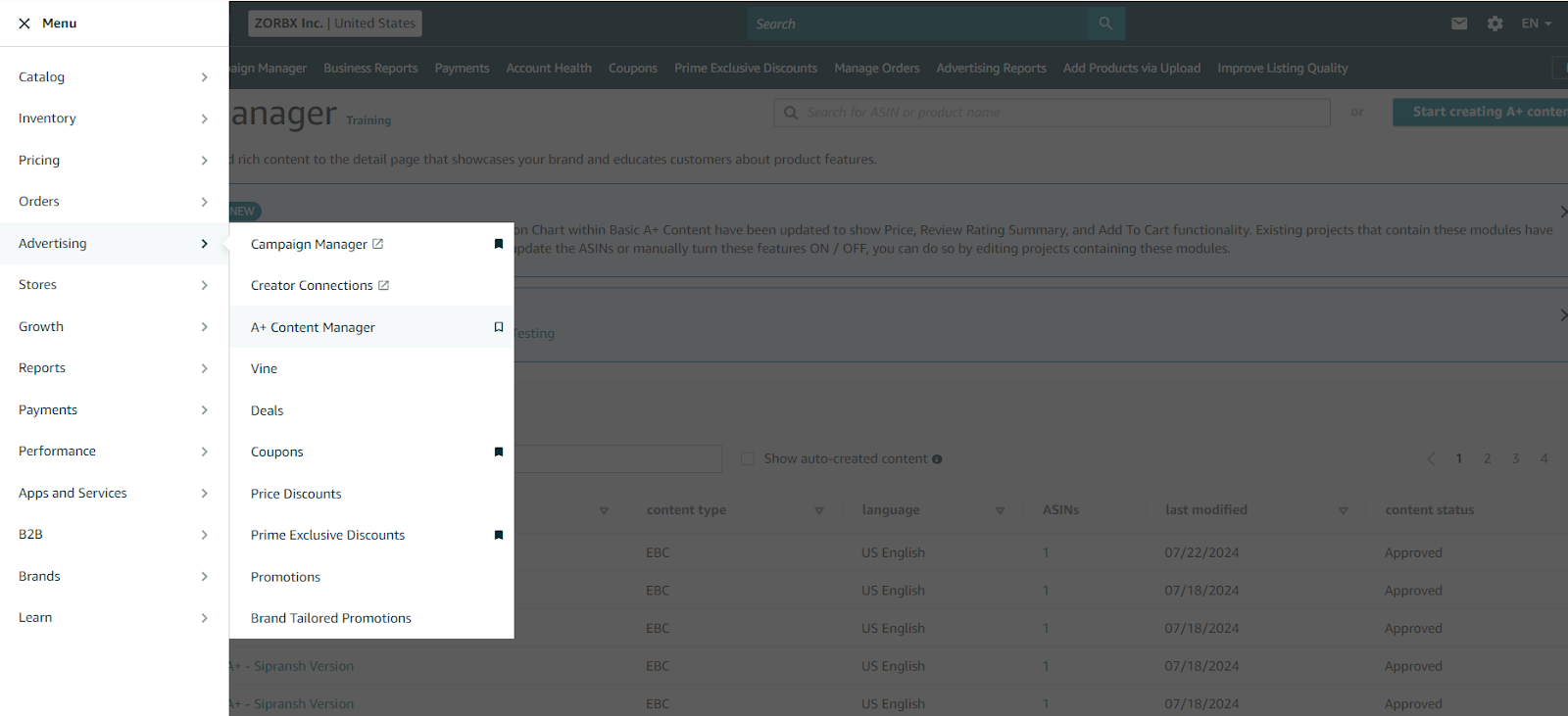
Step 2: Initiate Content Creation
Select ‘Start creating A+ content’.

Step 3: Select the Type of A+ Content
Choose the type of content that suits your brand’s needs from the various A+ Content modules offered.
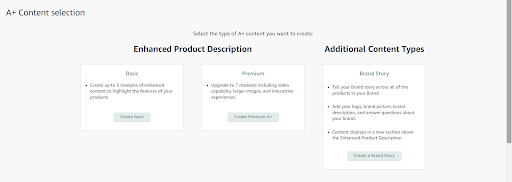
Step 4: Select the Modules
Click on add module and start creating Premium A+ content by selecting the appropriate modules.
Premium A+ Content Modules Overview
Amazon offers diverse modules for Premium A+ Content. Here’s an overview of the modules:
Premium Background Image with Text
You can use this module as the initial image in your Premium A+ Content to highlight your brand logo, product title, and a close-up image of your product.
Specifications for the Premium Background Image with Text:
Desktop Layout Image: 1464px W X 600px H (minimum)
Mobile Layout Image: 600px W X 450px H (minimum)
Character limits:
Subheadline: Maximum of 40 words.
Headline: Maximum of 60 words.
Body text: Up to 300 words.
Background Image Requirements:

Premium Comparison Table 1:
Comparison tables are incredibly useful for showcasing product comparisons, product lines, key features, and pricing, and providing direct links to other products. While Basic A+ Content offers one module with a fixed format, Premium A+ Content provides access to three distinct styles of comparison charts.
The first comparison table module in Premium A+ Content is similar to the Basic A+ Comparison Chart Module but with notable enhancements. These improvements include larger images and the ability to highlight specific columns. This module is perfect for displaying different features or color options of your products.
Specifications for the Premium Comparison Table 1:
Image Size: Minimum 200px W x 225px H
Character Limits:
Module Headline: Up to 80 characters
Image Headline: Up to 25 characters
Feature: Up to 30 characters
Tooltip: Up to 150 characters
Detail: Up to 30 characters
Product Entries: Minimum of 4, maximum of 7 products
Feature Entries: Minimum of 5, maximum of 12 features
This module enhances your ability to present detailed comparisons, making it easier for customers to understand the unique features and benefits of your products.

Premium Comparison Table 2
Premium Comparison Table 2 is a distinctive module within the Premium A+ Content suite, available exclusively to sellers with premium access. This module features elegant detailing and offers enhanced image visibility, making it perfect for showcasing products in a visually appealing manner.
Specifications for the Premium Comparison Table 2:
Image Size: Minimum 300px W x 225px H
Character Limits:
Module Headline: Up to 80 characters
Image Headline: Up to 30 characters
Feature: Up to 30 characters
Body Text: Up to 80 characters
Product Entries: Minimum of 2, maximum of 3 products
Feature Entries: Minimum of 2, maximum of 5 features
This module is ideal for presenting products with high-impact visuals and key features, providing a compelling and detailed comparison that enhances customer understanding and engagement.

Premium Comparison Table 3
Premium Comparison Table 3 is an exclusive module available for sellers utilizing Premium A+ Content Access. This table allows you to elegantly showcase key features and color options with magnified product images. It can also be used as a comparison table to highlight the exclusive features of your product compared to competitors.
Specifications for the Premium Comparison Table 3:
Image Size: Minimum 488px W x 700px H
Character Limits:
Chart Headline: Up to 25 characters
Image Headline: Up to 25 characters
Feature: Up to 20 characters
Feature Text: Up to 20 characters
Product Entries: Minimum of 2, maximum of 4 products
Feature Entries: Minimum of 3, maximum of 7 features
This module is perfect for providing a detailed and visually appealing comparison.

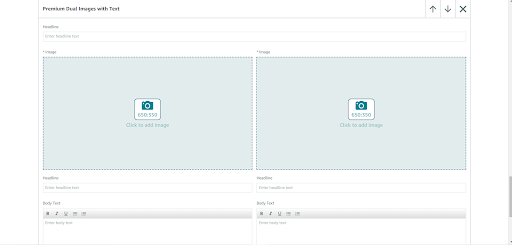
Premium Dual Images with Text
The Premium Dual Images with Text module is designed to display two images, each accompanied by its own text. It functions similarly to the Premium Four Images & Text Module, with the key difference being the larger image size in the dual images module.
Specifications for the Premium Dual Images with Text Module:
Image Size: Minimum 650px W x 350px H
Character Limits:
Subheadline: Up to 50 characters
Headline: Up to 50 characters
Body Text: Up to 300 characters
This module is ideal for emphasizing two distinct aspects of your product, utilizing larger images for greater visual impact and providing detailed text to enhance customer understanding and engagement.
Premium Four Images & Text
The Premium Four Images & Text module is designed to display four different images, each paired with its own text within a single module. This layout is ideal for showcasing various logos, key features with icon images, and even different color variants of your product.
Specifications for the Premium Four Images & Text Module:
Image Size: Minimum 300px W x 225px H (each)
Character Limits:
Subhead line: Up to 80 characters
Headline: Up to 30 characters
Body Text: Up to 150 characters
This module is perfect for providing a comprehensive and visually engaging presentation of multiple aspects or variations of your product, enhancing the customer’s ability to understand and appreciate its features.

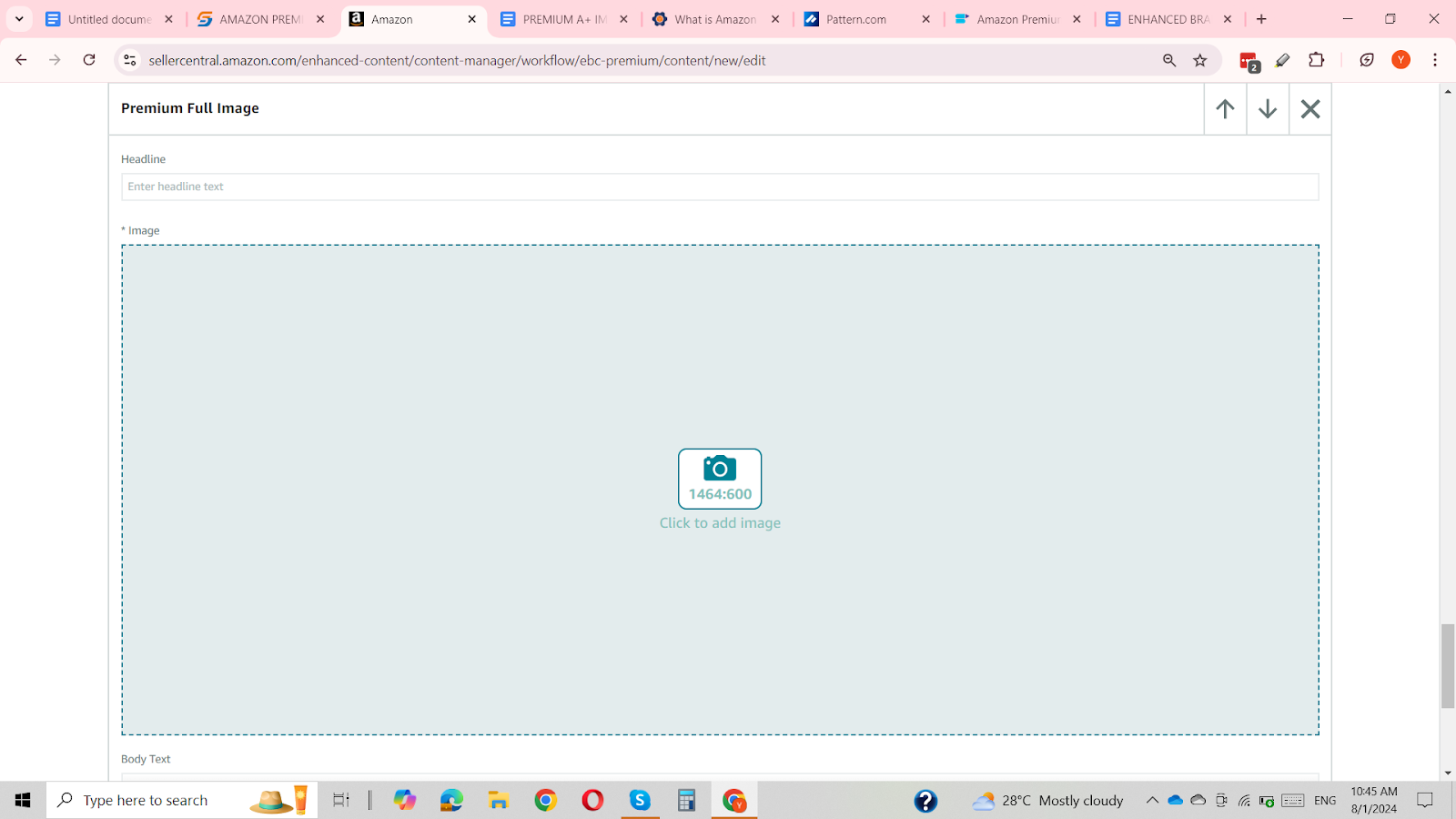
Premium Full Image
The Premium Full Image module is the most versatile and widely used module in Premium A+ Content. It provides a blank canvas, allowing infinite customization and personalization to showcase your product image. This module is ideal for presenting your brand logo, product title, and close-up images in a highly impactful manner.
Specifications for the Premium Full Image Module:
Image Size: Minimum 1464px W x 600px H
Character Limits:
Headline: Up to 80 characters
Body Text: Up to 300 characters
This module is perfect for being the initial image in your Premium A+ Content, creating a strong first impression with high-quality visuals and detailed information about your product.
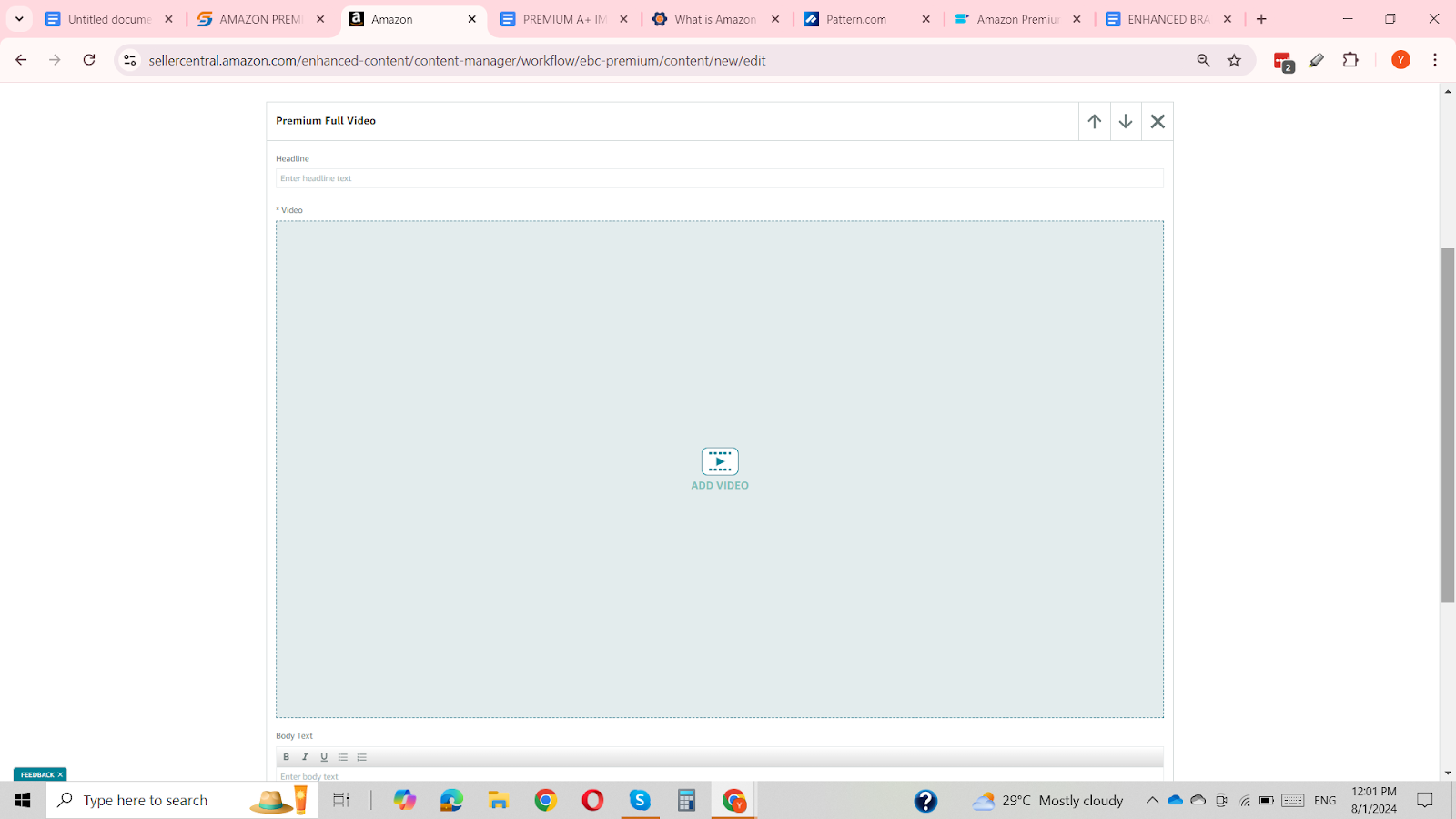
Premium Full Video
The Premium Full Video module offers an exceptional opportunity to feature your product through video. This module allows you to upload videos demonstrating product features, assembly instructions, or any other aspect you wish to showcase. It is a key advantage of Premium A+ Content Access, as video content is not available in Basic A+ Content EBC Modules.
Specifications for the Premium Full Video Module:
Video Type: .mp4 format only (Flash is unsupported)
Minimum Resolution: 960 x 540
Maximum File Size: 200 MB
Maximum Length: 180 seconds
Character Limits:
Headline: Up to 80 characters
Body Text: Up to 300 characters
This module is ideal for creating engaging and informative video content that enhances the presentation of your product, making it more attractive to potential buyers.
Premium Hotspots 1
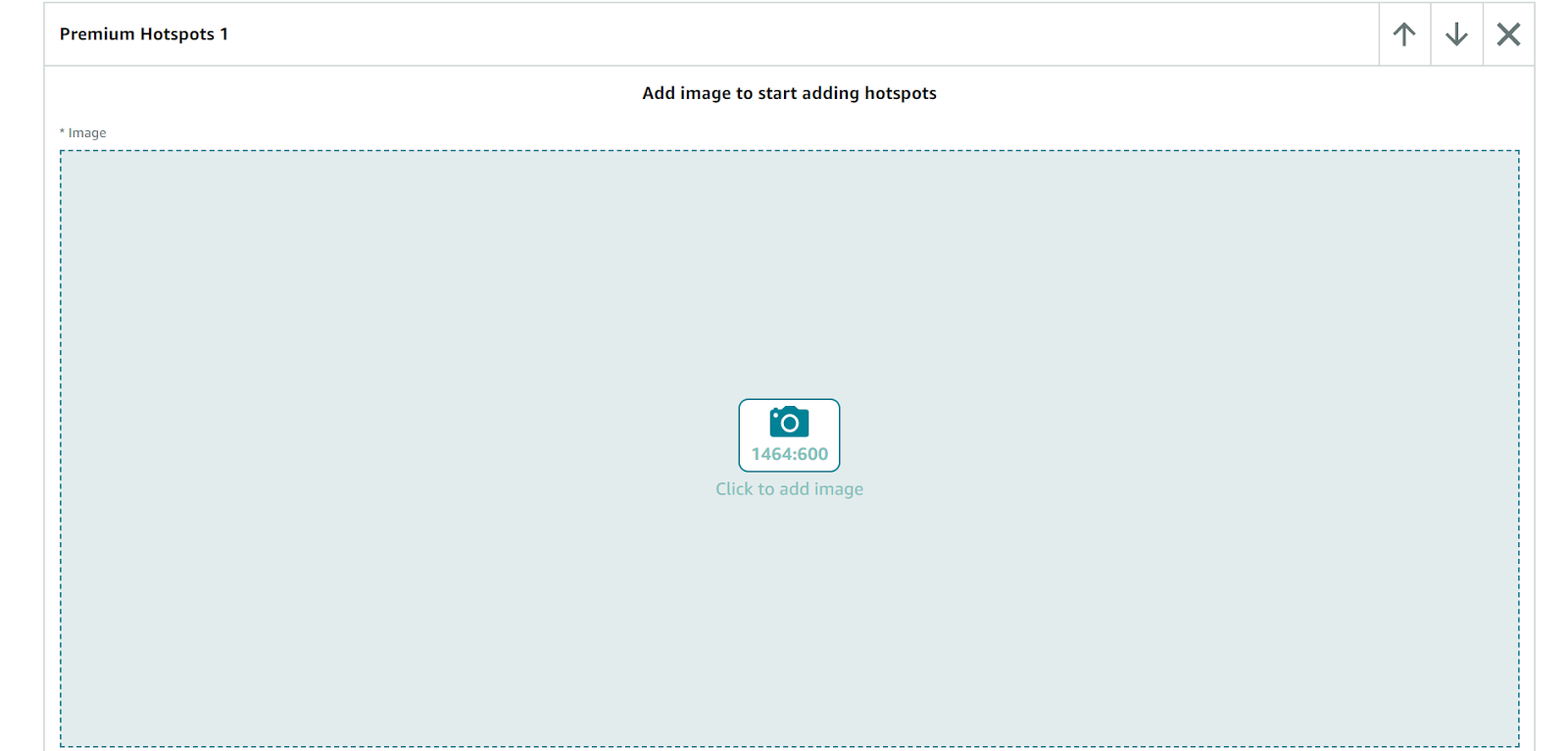
Premium Hotspots 1 is an engaging module within Premium A+ Content that allows you to highlight key features of your product using interactive bulletins. By tagging specific areas of a product image with text and headings, you can effectively draw attention to parts, buttons, or features.
Specifications for the Premium Hotspots 1 Module:
Image Size: Minimum 1464px W x 600px H
Character Limits:
Hotspot Headline: Up to 50 characters
Hotspot Body Text: Up to 200 characters
Number of Hotspots: Minimum of 2, maximum of 6
This module is perfect for providing detailed insights into various aspects of your product and enhancing customer understanding and engagement through a visually informative presentation.
Premium Hotspots 2
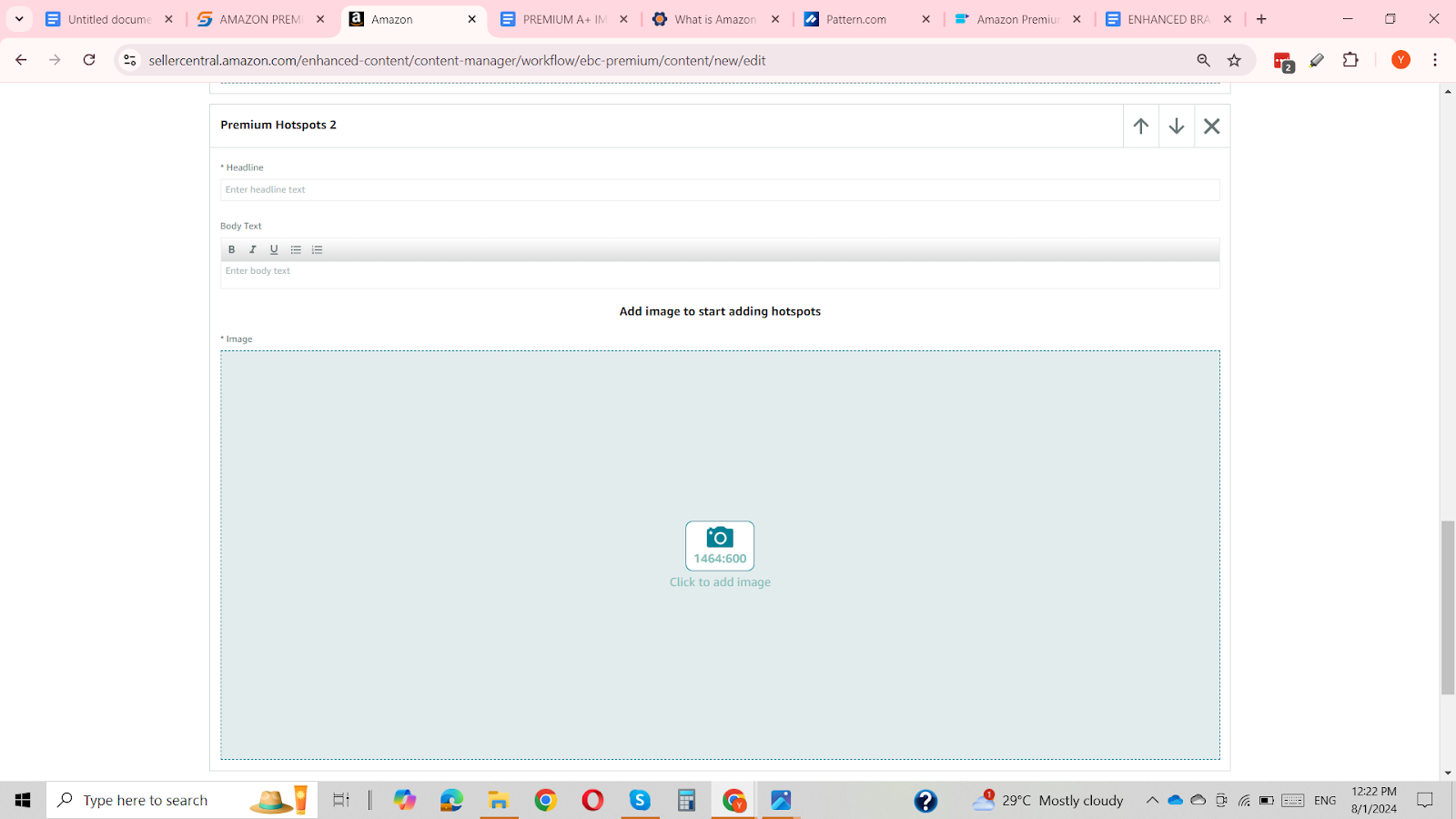
The Premium Hotspots 2 Module offers a similar functionality to the previously mentioned Premium Hotspots 1 Module, with the added feature of a Module Heading and body text. This allows for a more comprehensive presentation of interactive hotspots on a background image.
Specifications for the Premium Hotspots 2 Module:
Image Size: Minimum 1464px W x 600px H
Character Limits:
Module Heading: Up to 80 characters
Hotspot Body Text: Up to 300 characters
Number of Hotspots: Minimum of 2, maximum of 6
This module is ideal for providing detailed and informative highlights on your product, offering a clear and engaging way to showcase various features with additional descriptive text.
Premium Navigation Carousel
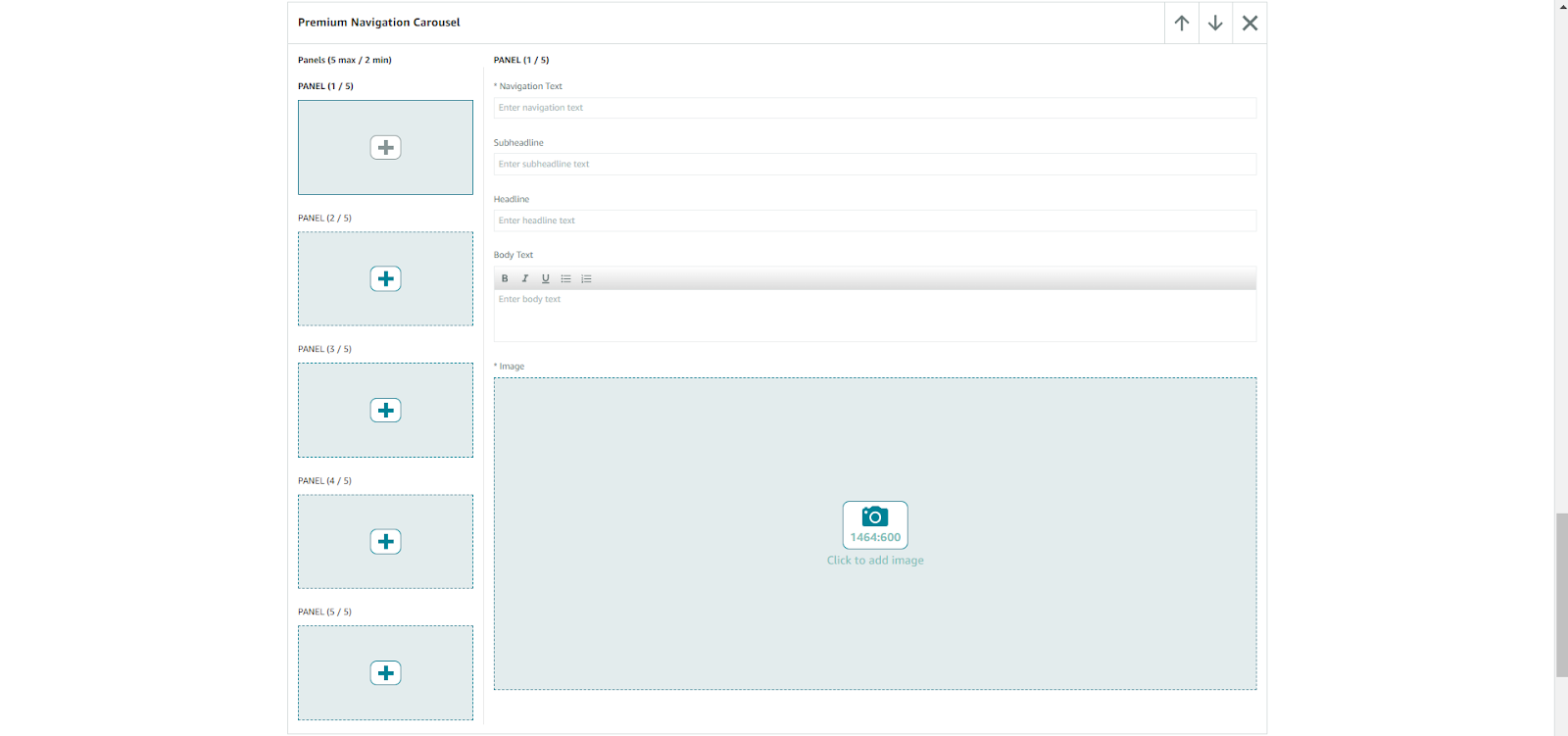
The Premium Navigation Carousel is a dynamic module within the Premium A+ Content suite, offering a variety of carousel effects to enhance your EBC content. Exclusively available to sellers with Premium A+ Content access, this module includes 5 panels equipped with navigation keys and bars for showcasing different headings, images, and body text.
Specifications for the Premium Navigation Carousel Module:
Image Size: Minimum 1464px W x 600px H
Character Limits:
Navigation Text: Up to 25 characters
Headlines: Up to 25 characters
Subheadlines: Up to 25 characters
Body Text: Up to 100 characters
Number of Panels: Minimum of 2, maximum of 5
This module allows for a detailed presentation of key features, color variants, and more, providing an engaging and interactive experience for your customers.
Premium Q&A
The Premium Q&A module is a valuable tool for addressing common customer questions or concerns and enhancing customer satisfaction by providing clear and detailed responses. Unlike the Basic A+ Content Q&A Module, the Premium version allows you to include images alongside your answers.
Specifications for the Premium Q&A Module:
Image Size: Minimum 1464px W x 600px H
Character Limits:
Question Text: Up to 80 characters
Answer Text: Up to 250 characters
Number of Q&As: Minimum of 2, maximum of 5
This module helps streamline the customer experience by offering comprehensive answers and visual support, making it easier for potential buyers to find the information they need.

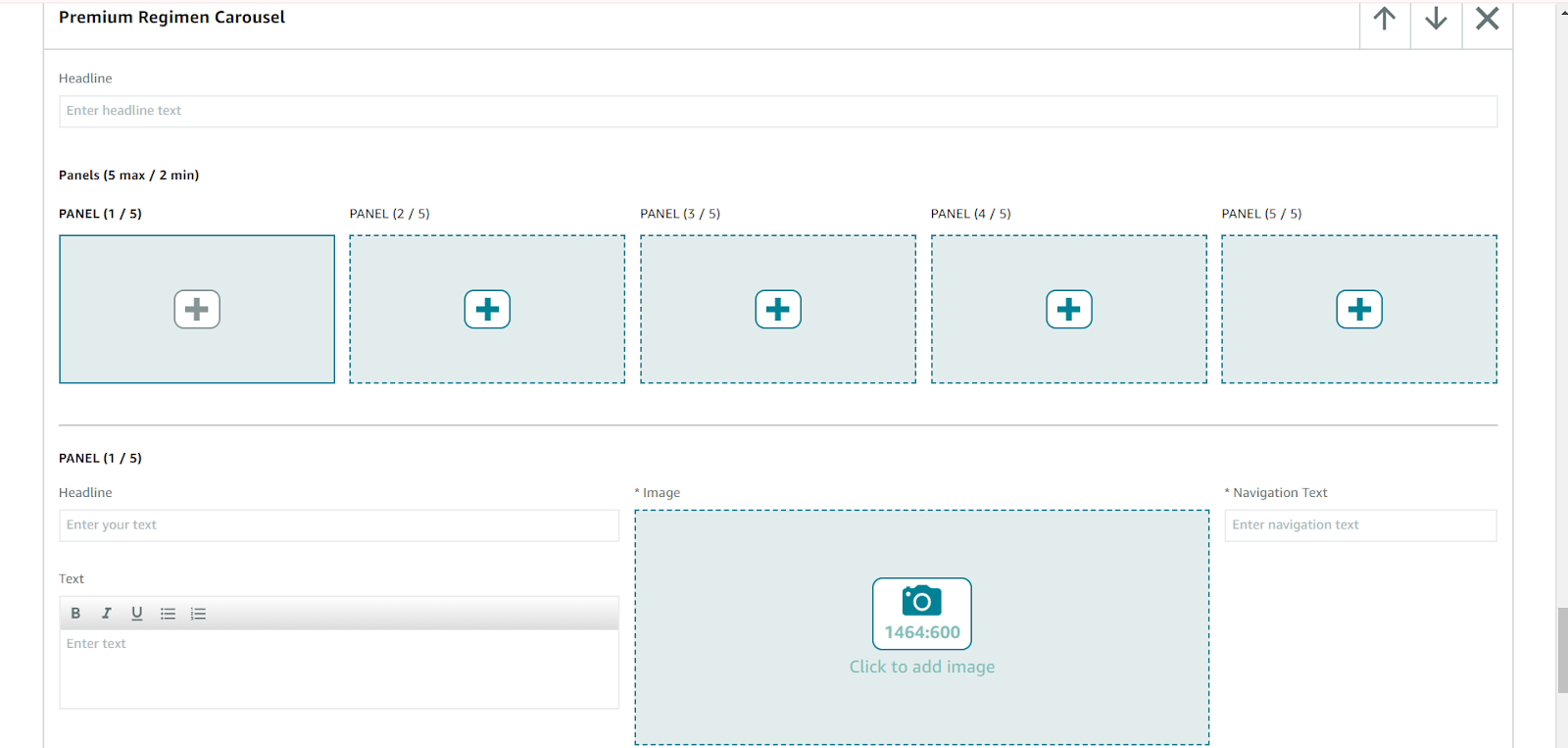
Premium Regimen Carousel
The Premium Regimen Carousel is an exclusive module within the carousel range of Premium A+ Content. Unlike other carousel modules, this one features vertical panel headings, making it ideal for presenting steps or key features in a straightforward, sequential manner rather than a horizontal layout.
Specifications for the Premium Regimen Carousel Module:
Image Size: Minimum 1464px W x 600px H
Character Limits:
Headline: Up to 100 characters
Inset Headlines: Up to 20 characters each
Inset Body Text: Up to 100 characters each
Navigation Text: Up to 20 characters each
Number of Panels: Minimum of 2, maximum of 5
This module provides an effective way to highlight key features or steps with vertical headings, ensuring a clear and organized presentation for your audience.
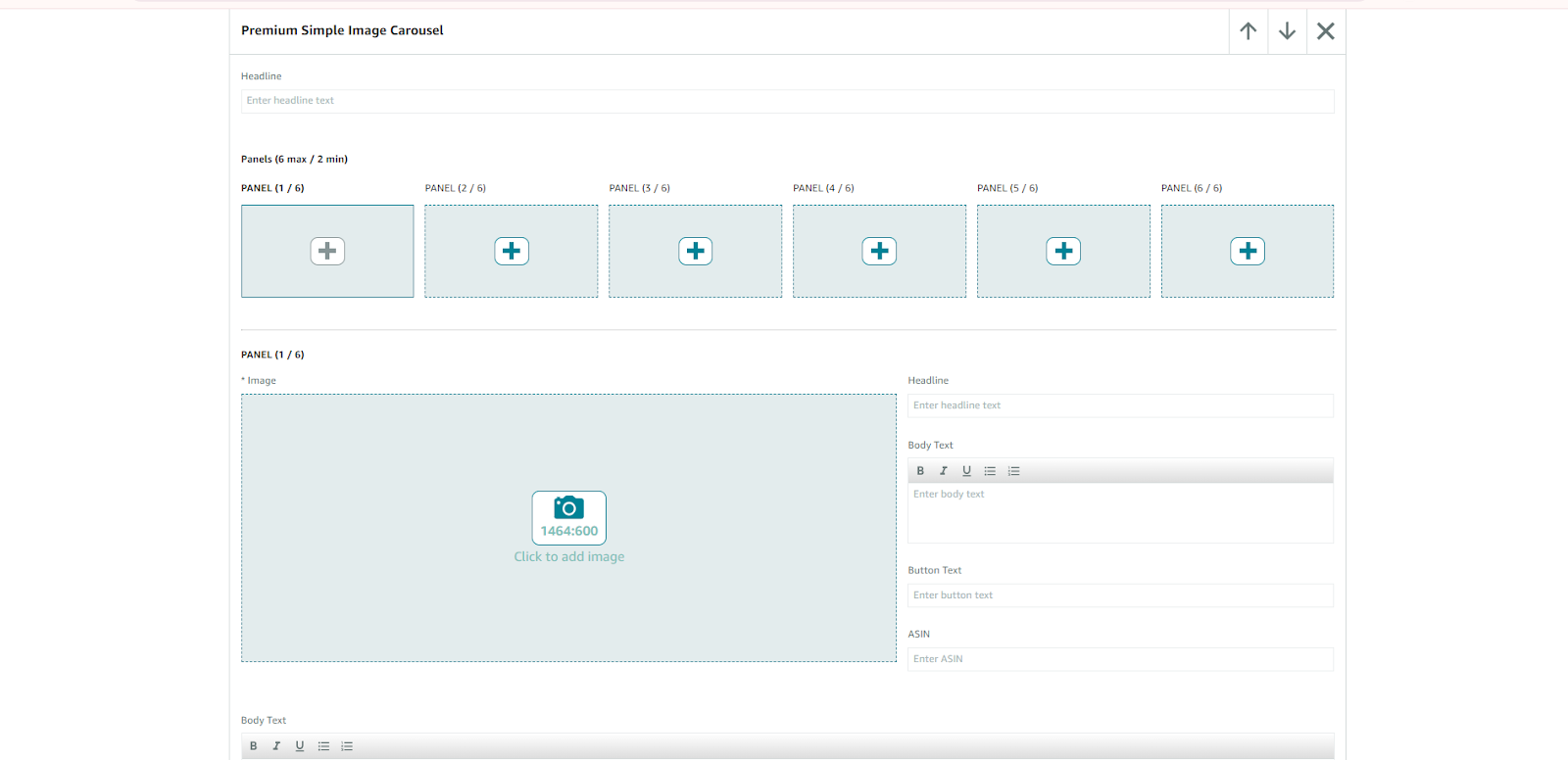
Premium Simple Image Carousel
The Premium Simple Image Carousel module is a straightforward yet effective tool for displaying up to 6 images, each with its own heading and body text. Unlike other carousel modules, it lacks navigation or regimen heading bars, focusing instead on a clean presentation with right and left arrow buttons for easy image navigation.
Specifications for the Premium Simple Image Carousel Module:
Image Size: Minimum 1464px W x 600px H
Character Limits:
Headline Text: Up to 50 characters
Body Text: Up to 200 characters
Number of Panels: Minimum of 2, maximum of 6
This module is ideal for showcasing a series of images with accompanying text in a simple, user-friendly format.
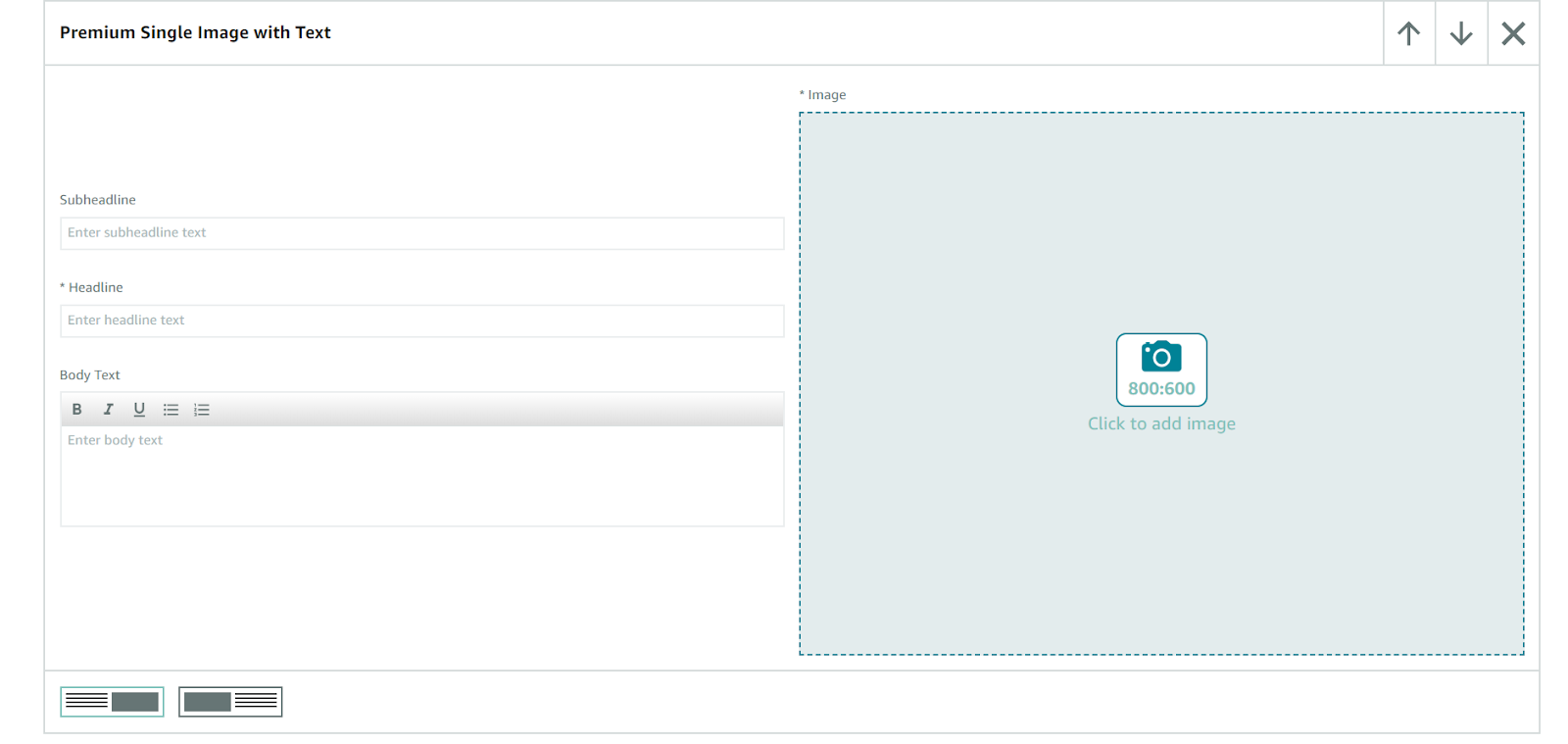
Premium Single Image with Text
The Premium Single Image with Text module is designed for showcasing a product image alongside a detailed summary of information. Ideal for presenting benefits, key features, or other important details, this module combines a close-up product image with comprehensive text.
Specifications for the Premium Single Image with Text Module:
Image Size: Minimum 800px W x 600px H
Character Limits:
Headline Text: Up to 80 characters
Subheadline Text: Up to 40 characters
Body Text: Up to 500 characters
This module provides a clear and engaging way to highlight your product’s features and advantages, ensuring that customers receive a detailed overview alongside a high-quality image.
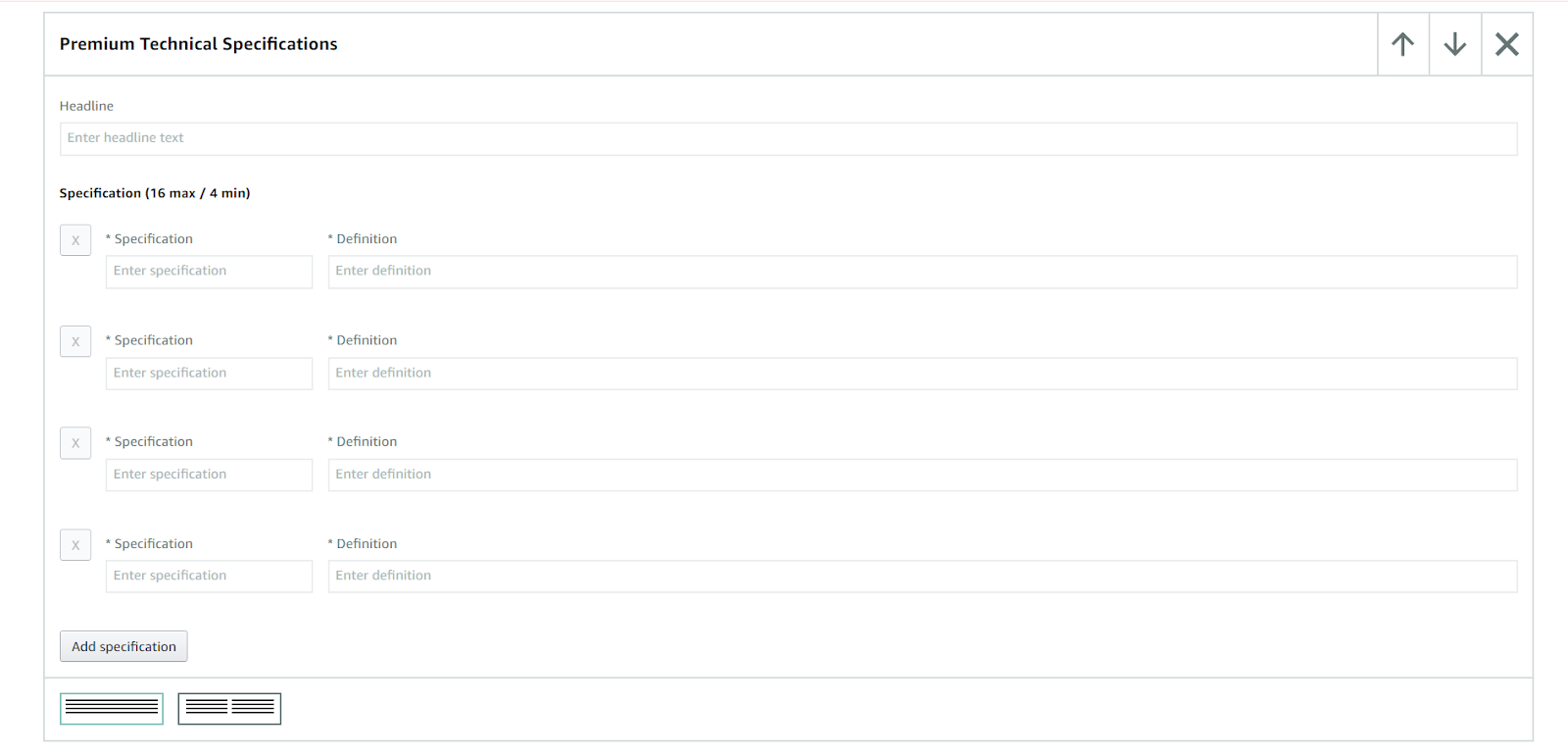
Premium Technical Specifications
The Premium Technical Specifications module is perfect for displaying a comprehensive list of product features or specifications that are crucial for customers to know before making a purchase. This module helps present detailed technical information in a clear and organized manner.
Specifications for the Premium Technical Specifications Module:
Number of Specifications: Between 4 and 16
Character Limits:
Headline Text: Up to 80 characters
Specification Labels: Up to 30 characters each
Definition Text: Up to 500 characters each
This module allows you to effectively communicate essential technical details, making it easier for customers to understand and evaluate your product’s features.
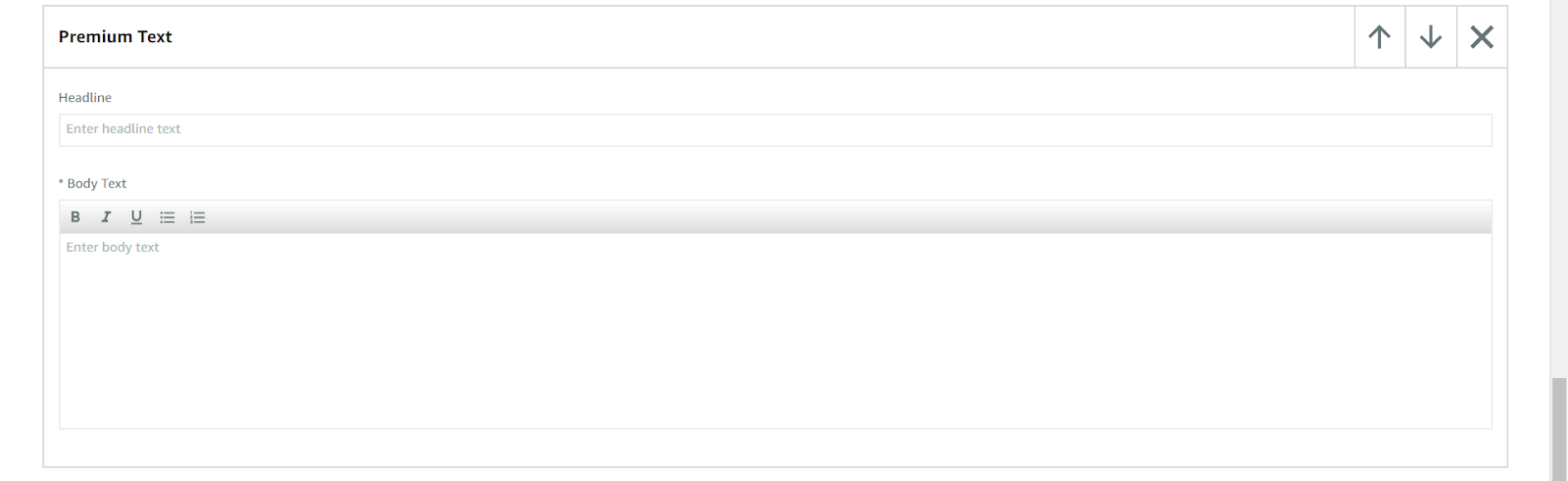
Premium Text
The Premium Text module is designed to highlight detailed information or summaries that you want your customers to focus on. While Enhanced Brand Content often emphasizes videos and images, this module provides a straightforward way to present important details about your product or brand.
Character Limits:
Headline Text: Up to 80 characters
Body Text: Up to 300 characters
This module features a default layout with no options for personalizing font color, size, or style. It’s an effective tool for clearly presenting essential information without the distraction of additional design elements.
Premium Video Image Carousel
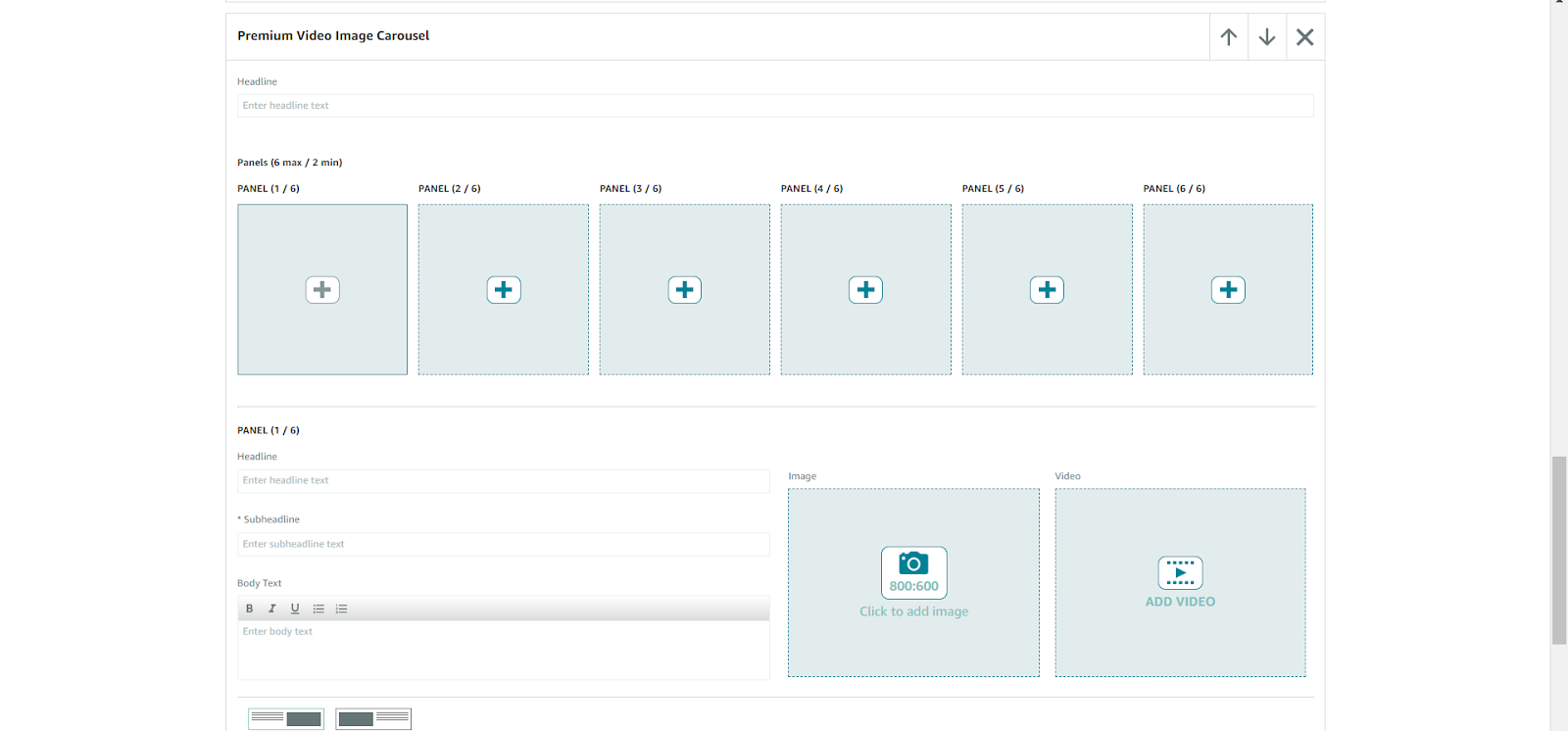
The Premium Video Image Carousel module offers a versatile solution for displaying both videos and images within a single module. With the ability to include up to 6 different panels, this module allows you to combine visual and textual elements to create a dynamic and engaging presentation.
Video Requirements:
Format: .mp4 only (Flash is unsupported)
Minimum Resolution: 800 x 600
Maximum File Size: 200 MB
Maximum Length: 180 seconds
Image Requirements:
Size: Minimum 800px W x 600px H
File Types: .png, .jpg, .jpeg
Character Limits:
Headline: Up to 80 characters
Panel Headline: Up to 50 characters
Panel Subheadline: Up to 80 characters
Panel Body Text: Up to 500 characters
Video Title: Up to 50 characters
Video Description: Up to 200 characters
Number of Panels: Minimum of 2, maximum of 6
This module enables you to effectively showcase a mix of images and videos, each accompanied by detailed text, providing a comprehensive and engaging overview of your product or brand.
Premium Video with Text
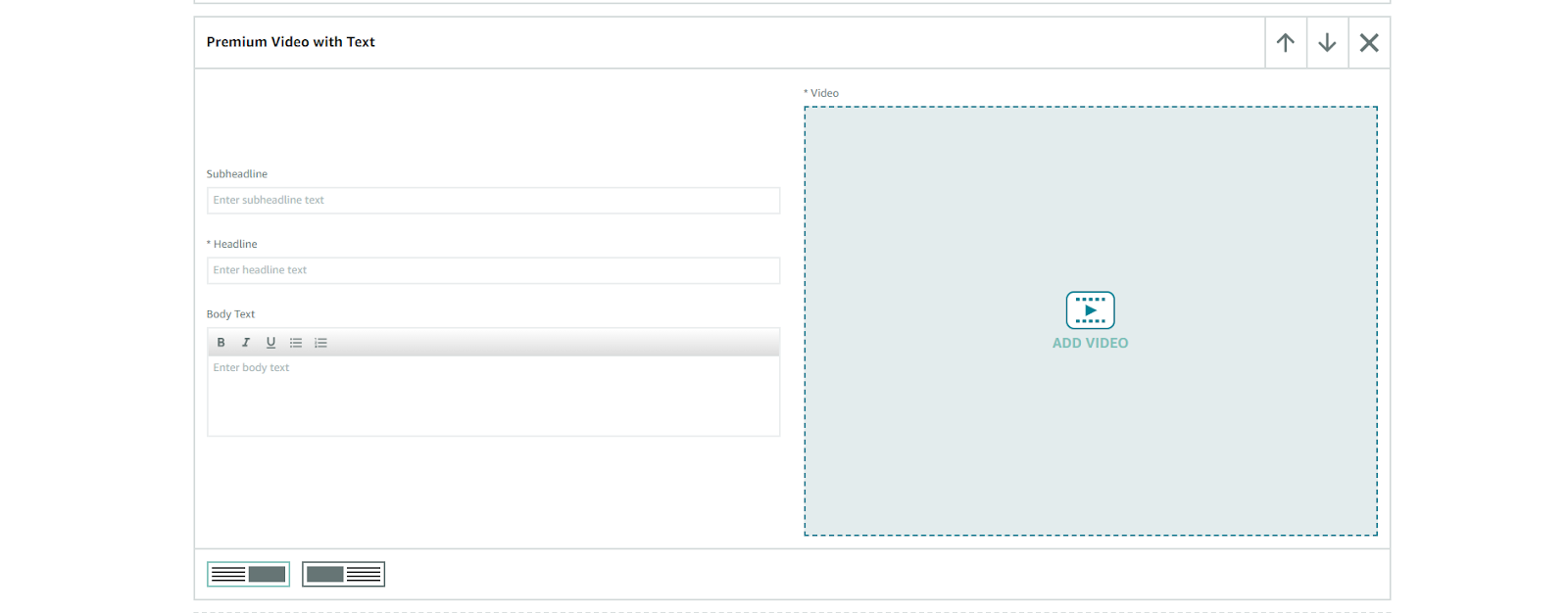
The Premium Video with Text module is ideal for pairing video content with detailed text. This module allows you to display a video alongside a paragraph of text, making it perfect for highlighting features, key points, and product uses.
Video Requirements:
Format: .mp4 only (Flash is unsupported)
Minimum Resolution: 800 x 600
Maximum File Size: 200 MB
Maximum Length: 180 seconds
Character Limits:
Headline: Up to 80 characters
Subheadline: Up to 40 characters
Body Text: Up to 500 characters
Video Title: Up to 50 characters
Video Description: Up to 200 characters
This module allows for an effective combination of video and text, enabling you to provide a rich, informative experience that engages viewers and communicates essential details about your product or service.
Cost of Premium A+ Content
Currently, Premium A+ Content is available to sellers at no additional cost for all ASINs registered to your brand. If Amazon introduces any fees for Premium A+ Content in the future, they will provide an option to opt-in for the service, ensuring that no direct charges will be applied to ASINs already utilizing Premium A+ Content.
Premium A+ Content Guide: Summary
This guide provides a comprehensive overview of Premium A+ Content, detailing the various modules available to create an engaging and visually appealing Premium A+ Content page for your product. This includes larger images, videos, and carousels under the Product Description heading.
Premium A+ Content offers sellers advanced graphics and tools beyond what is available with Amazon’s Basic A+ Content, helping to attract more customers and potentially boost sales. The enhanced visual elements and detailed information can significantly enhance the customer experience.
For assistance in creating Premium A+ Content for your product, contact u-commerce. We are Amazon experts or place an order for our Premium A+ Content service. We, as Amazon consultants, are dedicated to delivering top-notch Premium A+ Content that will elevate your business.